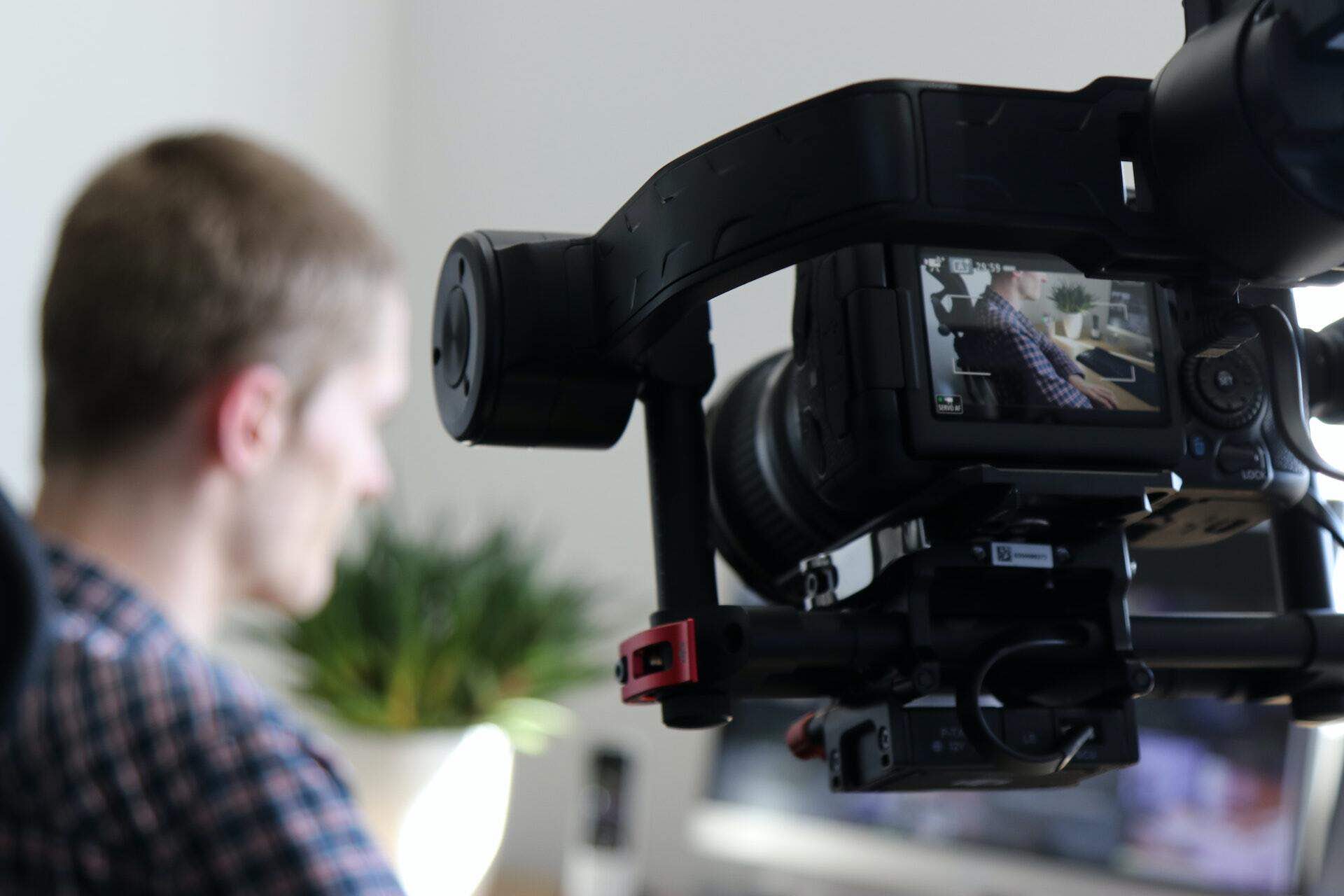
Tap Into the Trend: Getting Started with Live Shopping
Live shopping is booming, transforming how brands and creators connect with audiences and drive sales through interactive, real-time video. It might seem daunting at first, but getting started is more accessible than you think. This guide breaks down the essential steps to launch your first successful live shopping stream.
Step 1: Define Your Goals & Choose Your Products
Before anything else, clarify what you want to achieve. Are you aiming purely for sales, building brand awareness, engaging your community, clearing inventory, or a mix of these? Your goals will shape your content and success metrics.
Next, select the products you'll feature. Choose items that:
- You know well and can demonstrate effectively.
- Are visually appealing on camera.
- Resonate with your target audience.
- Ideally, have a good story or unique selling points you can highlight.
Step 2: Select Your Platform(s) & Tools
Where will you host your live stream?
- Social Media Platforms: Instagram, Facebook, TikTok, YouTube offer built-in live features and existing audiences but may have limitations (commissions, data access).
- E-commerce Platforms: Some platforms (like Amazon Live) have integrated live shopping.
- Dedicated Live Selling Platforms (like MY LIVE): These offer more control, creator-focused features, and often better monetization.
Step 3: Prepare Your Tech & Space
You don't need a professional studio to start. Focus on the basics:
- Device: A modern smartphone with a good camera is often sufficient. A webcam connected to a computer is another option.
- Lighting: Good lighting is crucial! Natural light facing you is best. If unavailable, invest in an inexpensive ring light. Avoid backlighting (windows behind you).
- Audio: Clear audio is vital. Your phone's built-in mic might work in a quiet space, but an external lavalier microphone (wired or wireless) significantly improves quality.
- Internet: A stable, strong internet connection (Wi-Fi or wired Ethernet) is non-negotiable to prevent buffering or dropouts.
- Space: Choose a clean, uncluttered background that reflects your brand. Ensure minimal noise or interruptions.
Step 4: Plan Your Content & Flow
While authenticity is key, don't go live without a plan. Outline a rough structure:
- Introduction (5-10 mins): Welcome viewers, introduce yourself/brand, briefly state the stream's purpose and any special offers. Allow time for people to join.
- Product Showcase/Demo (Main Part): Feature your selected products one by one. Demonstrate features, explain benefits, share stories, answer questions.
- Engagement Points: Plan moments to interact – ask questions, run polls, respond to chat comments, maybe a quick giveaway.
- Calls to Action (CTAs): Clearly explain *how* viewers can purchase (e.g., "Click the link on screen," "Visit our hub"). Remind them of any limited-time offers.
- Conclusion/Outro (5 mins): Thank viewers, summarize offers, give a final CTA, mention your next stream or where they can find more info.
Step 5: Promote Your Live Event
Don't expect viewers to magically appear. Promote your stream in advance:
- Announce it on all your social media channels multiple times (days before, day of, hour before).
- Send an email announcement to your list.
- Use countdown timers (like Instagram Stories stickers).
- Mention any exclusive deals or products available only during the live stream to create urgency.
- Cross-promote with collaborators if applicable.
Step 6: Go Live! Engage & Showcase
It's showtime!
- Start Strong: Greet viewers warmly as they join.
- Engage Continuously: Acknowledge comments, answer questions promptly, mention viewer names. Make it a conversation.
- Show, Don't Just Tell: Demonstrate products clearly. Show different angles, uses, textures, or fits.
- Be Authentic: Relax, be yourself! Minor mistakes are humanizing.
- Explain the Purchase Process: Clearly guide viewers on how to buy using the platform's features (e.g., clickable links provided by MY LIVE).
- Manage Time: Stick roughly to your planned flow, but be flexible based on audience engagement.
Step 7: Follow Up, Fulfill & Analyze
The work isn't over when the stream ends:
- Fulfill Orders Promptly: Ship purchased items quickly and communicate with buyers.
- Thank Your Audience: Post a thank-you message on social media.
- Analyze Performance: Review metrics: peak viewers, total views, engagement rate, products sold, revenue generated. What worked well? What could be improved?
- Repurpose Content: Download your stream (platforms like MY LIVE allow this). Create highlight clips for social media, turn the replay into shoppable Video-on-Demand (VOD) content, or write a blog post summarizing key points.
Starting live shopping involves planning and execution, but by following these steps, you can create engaging experiences that connect with your audience and drive real results. Don't strive for perfection on day one – just start, learn, and iterate!